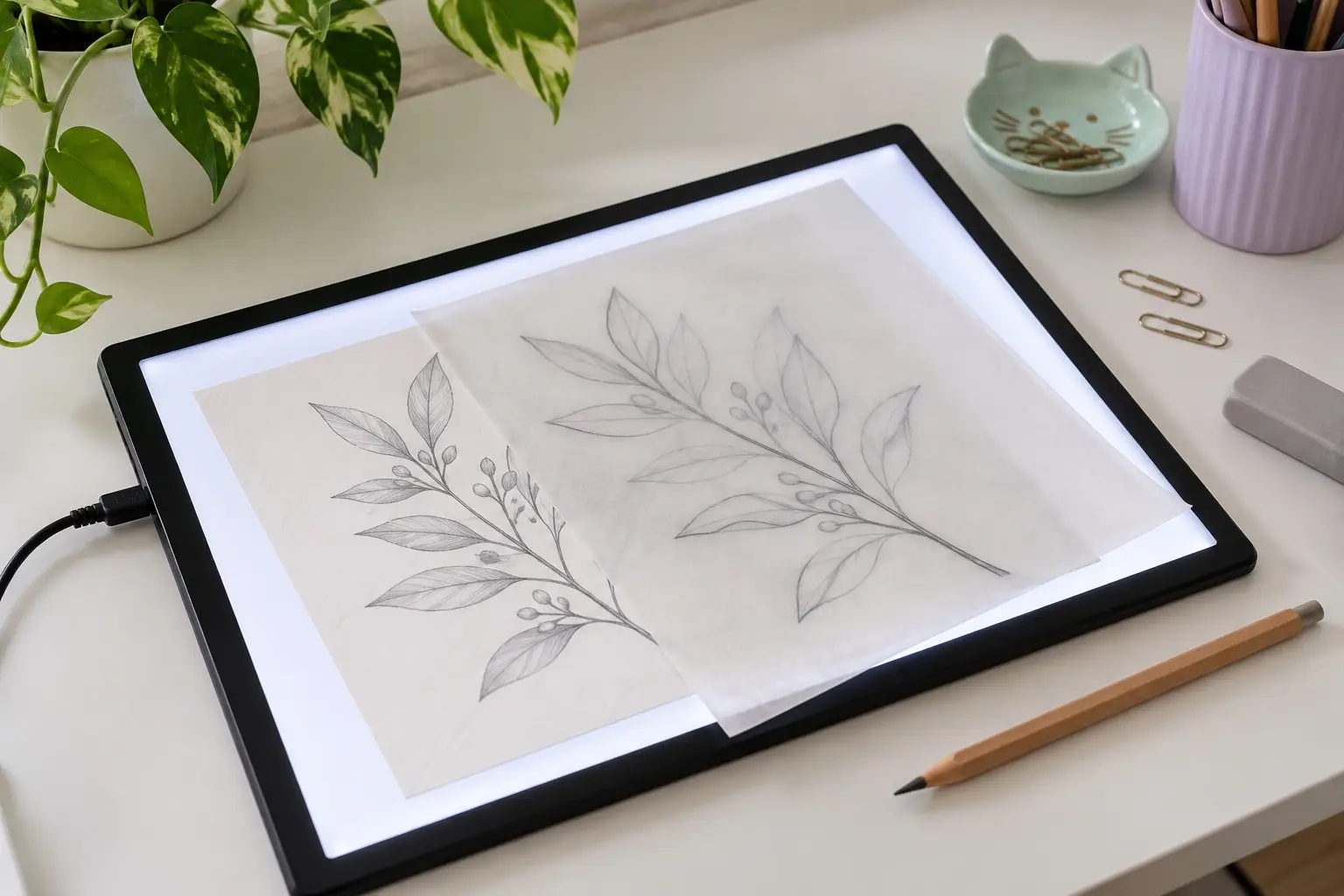
Choose by use case
If you wantSmall drawing transfers and lettering

HUION L4S A4 LED Light Pad
Research-based reviewSlim USB-powered panel with stepless dimming; check that its narrower lit area fits your design.
If you wantLarger drawing layouts and craft sections

Daylight Wafer 2 A3 Light Pad
Research-based reviewLarger A3-class format with three brightness steps; confirm the usable rectangle before an edge-to-edge project.
If you wantCordless tracing and small craft projects

iVyne Rechargeable A4 Light Pad, Pink
Research-based reviewRechargeable power and five brightness modes let you work away from an outlet.
If you wantFull US Letter drawing transfers at a desk

Artograph LightPad 930 LX, 12 by 9 Inches
Research-based reviewA documented 12 by 9 inch lit area accommodates US Letter paper.
If you wantA child’s tracing activity kit

Crayola Light Up Tracing Pad, Pink
Research-based reviewAges 6+ activity kit with designs, paper and pencils; add three AA batteries.
Product comparison
| Product | Best for | Watch out | Price & shop |
|---|---|---|---|
| HUION L4S A4 LED Light Pad (opens Amazon in a new tab) Research-based review | Small drawing transfers and lettering | USB powered; lit width is narrower than US Letter, and this exact listing pictures Micro-USB. | |
| Daylight Wafer 2 A3 Light Pad (opens Amazon in a new tab) Research-based review | Larger drawing layouts and craft sections | Confirm active area before buying for a precise fit; published dimensions and weights conflict. | |
| iVyne Rechargeable A4 Light Pad, Pink (opens Amazon in a new tab) Research-based review | Cordless tracing and small craft projects | Exact lit area is unclear and runtime claims conflict; no tested battery-life promise. | |
| Artograph LightPad 930 LX, 12 by 9 Inches (opens Amazon in a new tab) Research-based review | Full US Letter drawing transfers at a desk | Needs its power adapter and more carrying space; the maker specifies ages 15 and up. | |
| Crayola Light Up Tracing Pad, Pink (opens Amazon in a new tab) Research-based review | A child’s tracing activity kit | Needs three AA batteries sold separately; no adjustable dimmer or active-area measurement verified. |
How we chose
- Compared 5 research-based picks from current product listings.
- Product listings checked on October 25, 2026.
- Usable lit area, separated from outer frame dimensions
- Dimming steps or gradual control, power source and cable type
- Hands-on testing: none — all picks are research-based
- Product listings checked
- Hands-on testing
- None of the 5 picks — all are research-based
- Labels explained
- How we test and label products
This is a research-based guide. We compared manufacturer specifications and instructions with the five exact Amazon.com variants, purchase options and matching product images on October 25, 2026. We prioritized distinct needs: compact USB use, a larger format, rechargeable power, a documented US Letter fit and a children’s activity kit. Conflicting specifications are disclosed rather than treated as measured performance.
What we compared
- Usable lit area, separated from outer frame dimensions
- Dimming steps or gradual control, power source and cable type
- Documented profile, rulers and included accessories
- Distinct drawing, lettering, craft and child-activity needs
What we did not test
- No physical product handling or tracing-quality comparison
- No measured brightness, flicker, temperature or light uniformity
- No timed battery life, durability or paper-penetration tests
Testing status by pick
- HUION L4S A4 LED Light PadResearch-based review
- Daylight Wafer 2 A3 Light PadResearch-based review
- iVyne Rechargeable A4 Light Pad, PinkResearch-based review
- Artograph LightPad 930 LX, 12 by 9 InchesResearch-based review
- Crayola Light Up Tracing Pad, PinkResearch-based review
Sources
- L4S model specifications — HUION
- Wafer 2 A3 current product information — Daylight Company
- Rechargeable A4 light pad information — iVyne Crafting
- LightPad LX user guide and age guidance — Artograph / Studio Designs
- Light-Up Tracing Pad Pink contents and ages — Crayola
Product details and drawbacks
HUION L4S A4 LED Light Pad (opens Amazon in a new tab)
Slim USB-powered panel with stepless dimming; check that its narrower lit area fits your design.

Why it fits this guide
Choose the L4S when your design fits its documented work area and you want gradual brightness adjustment at a powered desk. HUION's model specifications give the L4S a 310 × 210 mm active area. The exact Amazon offer is USB powered, with brightness memory and a thin body. Its important compromise is width: do not assume full US Letter coverage. The checked listing also pictures Micro-USB, while HUION's broader current range page describes USB-C. Check the connector on the actual L4S offer rather than buying a cable from the family-page description. This is not a rechargeable model simply because a power bank can power it.
Honest drawback
USB powered; lit width is narrower than US Letter, and this exact listing pictures Micro-USB.
Specifications
- 310 × 210 mm active area per maker
- 5.1 mm body per listing
- USB powered; exact listing pictures Micro-USB
- Stepless dimming with memory
Best forSmall drawing transfers and lettering
Pros
- Stepless brightness with memory
- Slim body and edge rulers
Cons
- No internal battery in this listing
- Lit width is narrower than US Letter
Daylight Wafer 2 A3 Light Pad (opens Amazon in a new tab)
Larger A3-class format with three brightness steps; confirm the usable rectangle before an edge-to-edge project.

Why it fits this guide
The Wafer 2 is the larger-format option for people who keep moving a design around on a compact pad. Its current maker page specifies three-step dimming, ruler guides and a USB-A to USB-C cable. It is a candidate for larger drawing transfers, paper crafts and working sections of a pattern. There is a specification conflict to resolve before buying for a precise fit. Amazon's description calls 33.5 × 46 cm the illuminated area, while the maker's published size material distinguishes the body from a smaller lit region. We do not promise 13 × 18 inches of usable light. Ask the seller to confirm the active rectangle on this exact variant. The Amazon weight fields also conflict, so they are not repeated here.
Honest drawback
Confirm active area before buying for a precise fit; published dimensions and weights conflict.
Specifications
- A3-class format; exact active dimensions need confirmation
- Three-step dimming per current maker page
- USB-A to USB-C cable per maker
- Inch and centimeter ruler guides
Best forLarger drawing layouts and craft sections
Pros
- Larger format than compact A4 pads
- Three-step dimmer and ruler guides
Cons
- Connected power required
- Listing dimensions and weights conflict
iVyne Rechargeable A4 Light Pad, Pink (opens Amazon in a new tab)
Rechargeable power and five brightness modes let you work away from an outlet.

Why it fits this guide
iVyne is the option when moving a cable is the main inconvenience. The checked pink offer is the rechargeable light pad, rather than the corded version or a deluxe bundle. The maker describes five brightness settings and cordless tracing and weeding use. Two details deserve caution. The maker's page lists a Micro-USB interface and a half-inch body, but does not clearly separate lit dimensions from the frame. Confirm the working area for full-sheet designs. Battery claims also differ between the maker's text and the listing's packaging image; we have not timed it and give no runtime promise. A charged battery provides flexibility, but it adds something to maintain and eventually replace or service.
Honest drawback
Exact lit area is unclear and runtime claims conflict; no tested battery-life promise.
Specifications
- Five brightness modes
- Rechargeable battery; USB cable included
- Maker lists Micro-USB and a 0.5-inch body
- Exact lit area and battery runtime not independently verified
Best forCordless tracing and small craft projects
Pros
- Cordless rechargeable operation
- Five brightness modes
Cons
- Usable area needs confirmation
- Published runtime claims conflict
Artograph LightPad 930 LX, 12 by 9 Inches (opens Amazon in a new tab)
A documented 12 by 9 inch lit area accommodates US Letter paper.

Why it fits this guide
The 930 LX is the clearest fit here when your priority is a specified surface large enough for a US Letter sheet. Artograph's LightPad LX user guide confirms a 12 × 9 inch work area, adapter power and gradual dimming. The aluminum-framed pad is supplied with a protective sleeve. It needs a suitable outlet and more carrying space than a very thin USB pad. The maker's manual specifies ages 15 and up, so treat it as an older-teen or adult studio tool. Its listing also gives inconsistent brightness ranges; that is not a sound basis for promising better results through thick paper. Choose it for the documented fit and construction, not an untested brightness contest.
Honest drawback
Needs its power adapter and more carrying space; the maker specifies ages 15 and up.
Specifications
- 12 × 9 inch lit area per maker
- Gradual dimming; adapter powered
- Aluminum frame; protective sleeve included
- 0.5-inch body; manufacturer manual specifies ages 15+
Best forFull US Letter drawing transfers at a desk
Pros
- Documented fit for US Letter paper
- Gradual dimming and protective sleeve
Cons
- Corded power
- For ages 15+ per maker manual
Crayola Light Up Tracing Pad, Pink (opens Amazon in a new tab)
Ages 6+ activity kit with designs, paper and pencils; add three AA batteries.

Why it fits this guide
Crayola is the activity-kit choice rather than an adult specification-led pad. The maker lists ages 6 and up, a paper-locking frame and starter supplies. It includes ten tracing sheets, ten blank sheets, twelve short colored pencils and a graphite pencil. Three AA batteries are required and sold separately. That combination suits a child who enjoys assembling and coloring a picture without choosing each supply separately. The tradeoff is limited verified information about active area and brightness control. We have not confirmed a dimmer, so do not expect an adult-style adjustable panel. Let tracing sit alongside free drawing, and follow the package's battery and small-parts instructions.
Honest drawback
Needs three AA batteries sold separately; no adjustable dimmer or active-area measurement verified.
Specifications
- Maker specifies ages 6+
- Three AA batteries required, sold separately
- Ten tracing sheets and ten blank sheets
- Twelve short colored pencils and one graphite pencil
Best forA child’s tracing activity kit
Pros
- Starter paper, designs and pencils included
- Paper-locking frame
Cons
- Batteries sold separately
- No adjustable dimmer verified
Corrections
Spotted an error or outdated detail? Read how we handle corrections.
Related guides
Best Drawing Kits for Beginners: 10 Starter Sets That Are Actually Useful
Best drawing kit for beginners: Prina’s 50-piece set leads our research picks. Compare graphite, charcoal, blending tools and sketchbooks without filler.
Blending Stumps and Tortillons: How to Use Them (and Which to Buy)
Learn what blending stumps and tortillons are, how to use and clean them for graphite and charcoal shading, and which beginner-friendly sets to buy first.

Best Charcoal Pencils for Drawing: 10 Picks for Beginners & Shading
The best charcoal pencils for drawing and shading, compared for beginners, portraits, soft gradients, white highlights, woodless coverage and value.
Best Charcoal Sticks for Drawing: Vine, Willow and Compressed Picks
Compare four research-based vine, willow and compressed charcoal picks for gesture drawing, value studies, varied line widths and deep dark accents.
Best Colored Pencils for Drawing and Sketching
Compare six current colored-pencil sets for drawing and sketching by core feel, point control, palette size, paper fit, storage and lightfastness.
Best Drawing Books for Beginners
The best drawing books for beginners, from fundamentals and sketching to kawaii and cartoon styles, with tips on choosing the right book for you.


Latest guides
Gift Ideas for People Who Love Coloring
Thoughtful gift ideas for adults who love coloring, from marker sets and coloring books to lap desks, lamps and storage, sorted by budget and style.
Best Fountain Pens for Beginners
Compare beginner-friendly fountain pens for journaling and everyday writing, with tips on nib sizes, cartridges vs converters, ink and paper.
Best Cute Pens and Kawaii Gel Pens
Cute and kawaii pens for notes and journals, from a bunny gel pen to pastel and multi-color pens, with clear ink, tip-size and refill comparisons.
Best Paper for Colored Pencils
Find the best paper for colored pencils, comparing tooth, weight and surface for layering and blending, with picks for beginners and detail art.
Best Travel Watercolor Sets and Pocket Palettes
Compare travel watercolor sets and pocket palettes for sketching on the go, with tips on pan count, water brushes, size and travel sketchbooks.
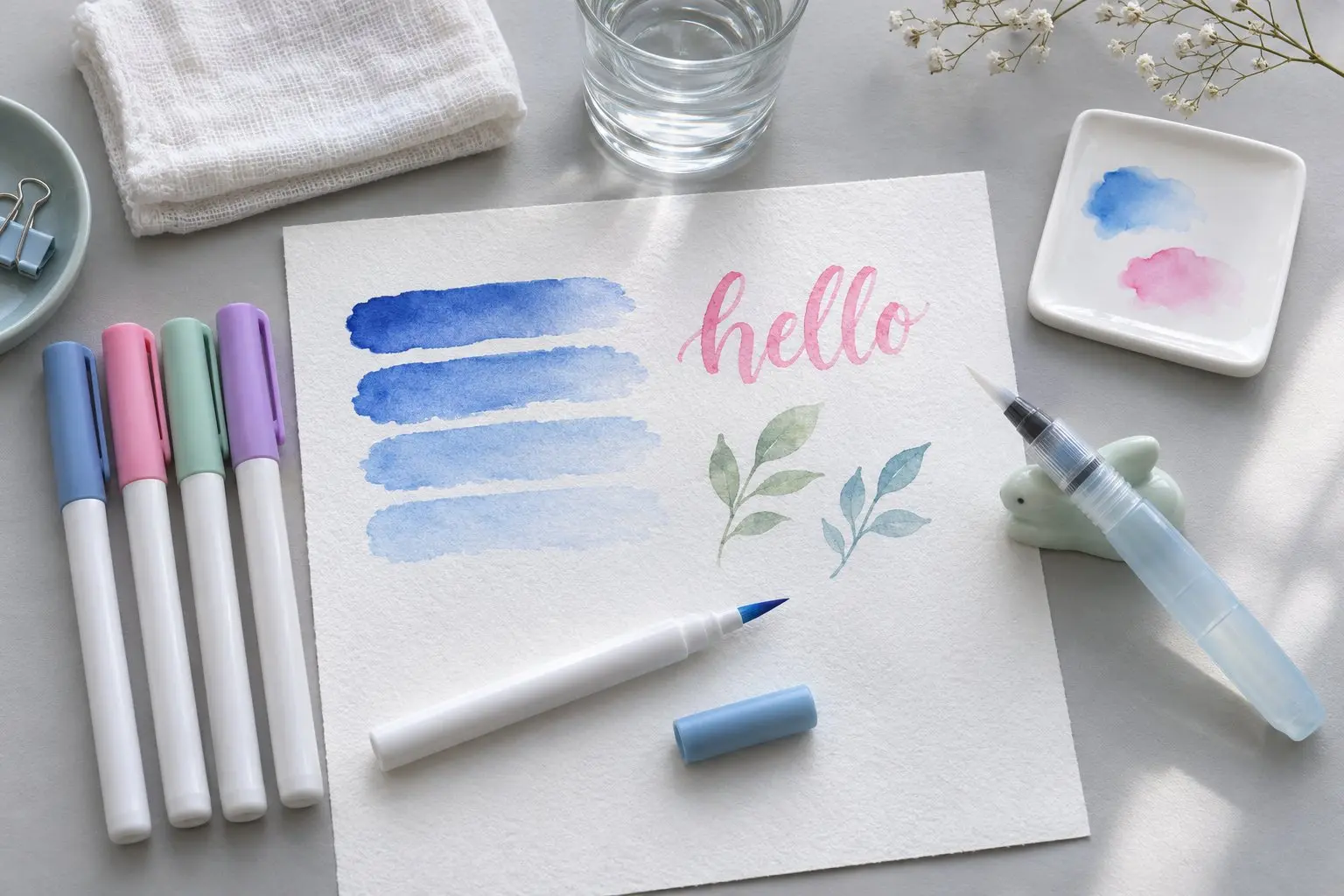
Best Watercolor Brush Pens and Watercolor Markers
Compare watercolor brush pens and markers that blend with water, with tips on paper, water brushes and using them safely in your coloring books.


